To practise SQL for free, use one small sample database and write a query for every idea you learn, then compare your result with a known answer. You can do all of this in your browser. Excel Keys LearnLab has 32 free SQL lessons and 30 practice exercises with checked answers. Nothing to install, and you don’t need an account.
In this guide
- Why reading about SQL is not enough, and what real practice looks like
- A 4-week plan that takes you from SELECT to window functions
- A worked example with the exact result table
- The five mistakes beginners make most, and how to catch them
Why practice matters more than watching tutorials
SQL looks simple when someone else writes it. The difficulty shows up when you face an empty editor and a question like “which customers have never ordered?”. Only practice teaches you which clause to reach for, and why COUNT(*) and COUNT(column) give different answers after a LEFT JOIN.
Good practice has three parts:
- The same small dataset every time. When you already know the tables, you can focus on the query, not the data.
- A question before the answer. Write your own query first. Look at the solution only after you have run yours.
- A result you can check. Compare your rows with a known correct result, row by row.
What you need: a browser and a sample database
You do not need to install MySQL or any other database to start. The free SQL course on Excel Keys LearnLab runs SQLite inside your browser. Every lesson and every practice exercise uses the same fictional shop:
| Table | Columns | Rows |
|---|---|---|
| customers | id, name, city | 6 |
| products | id, name, category, price | 5 |
| orders | id, customer_id, order_date, status | 8 |
| order_items | order_id, product_id, quantity | 11 |
| employees | id, name, department, salary, manager_id | 6 |
The tables are small on purpose. When a result has six rows, you can check every row by eye and see exactly what your query did.
A 4-week plan to practise SQL for free
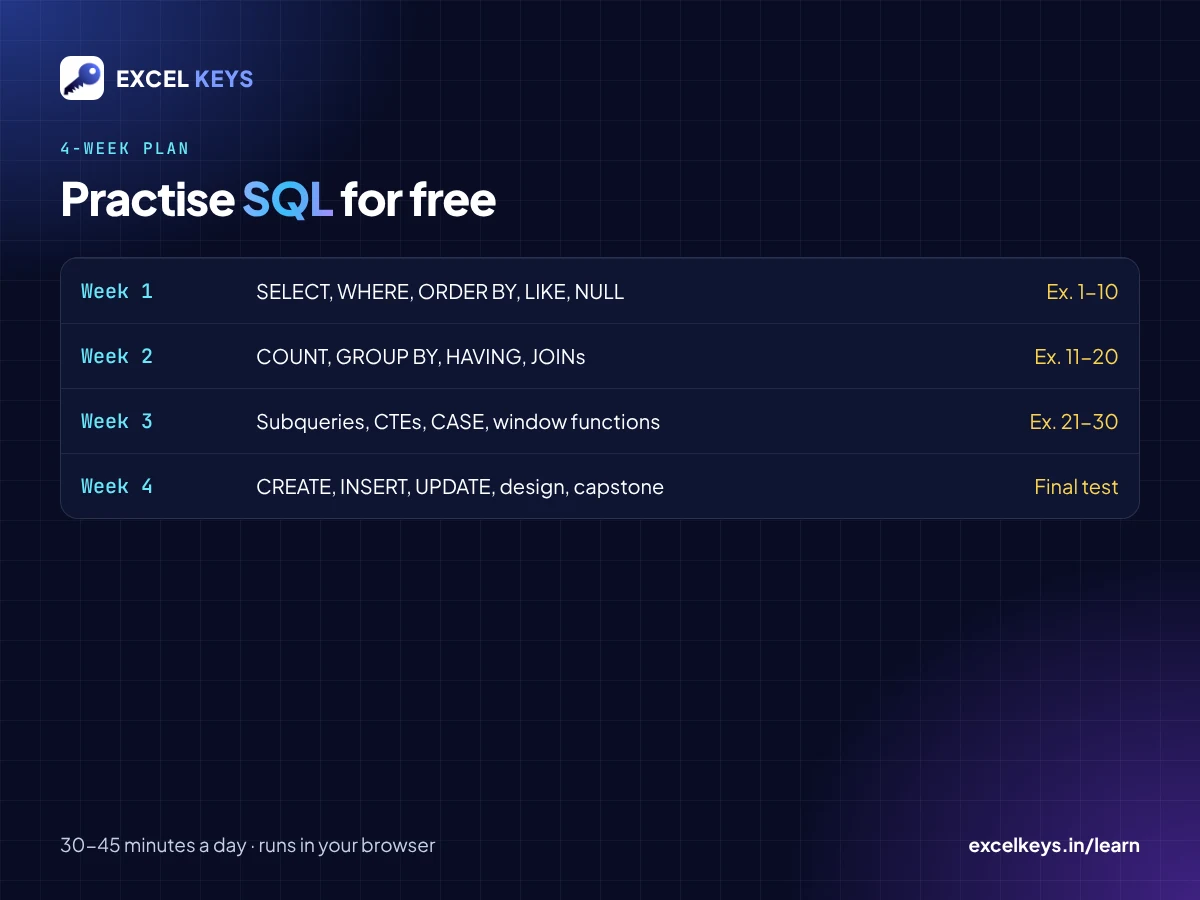
Plan for about 30 to 45 minutes a day, five days a week. The lessons add up to about four and a half hours of reading. The rest of the time goes into writing queries, which is where you actually learn.
| Week | Lessons | What you learn | Practice |
|---|---|---|---|
| 1 | 1 to 9 | SELECT, aliases, DISTINCT, WHERE, AND/OR, IN, BETWEEN, LIKE, ORDER BY, LIMIT, NULL | Exercises 1 to 10 |
| 2 | 10 to 15 | COUNT, SUM, AVG, GROUP BY, HAVING, INNER JOIN, LEFT JOIN, three-table joins | Exercises 11 to 20 |
| 3 | 16 to 24 | Self joins, UNION, subqueries, EXISTS, CTEs, CASE, dates, window functions, running totals, LAG | Exercises 21 to 30 |
| 4 | 25 to 32 | CREATE TABLE, INSERT, UPDATE, DELETE, transactions, views, indexes, keys, the capstone report | Redo any exercise you got wrong, then take the final test |
All 30 exercises are on one page: SQL Practice Online: 30 Exercises with Answers. Each one has a hint, the answer query and the result table. A “Run in playground” button opens the query in the browser editor, so you can change it and run it again.
Worked example: count orders per customer, including customers with none
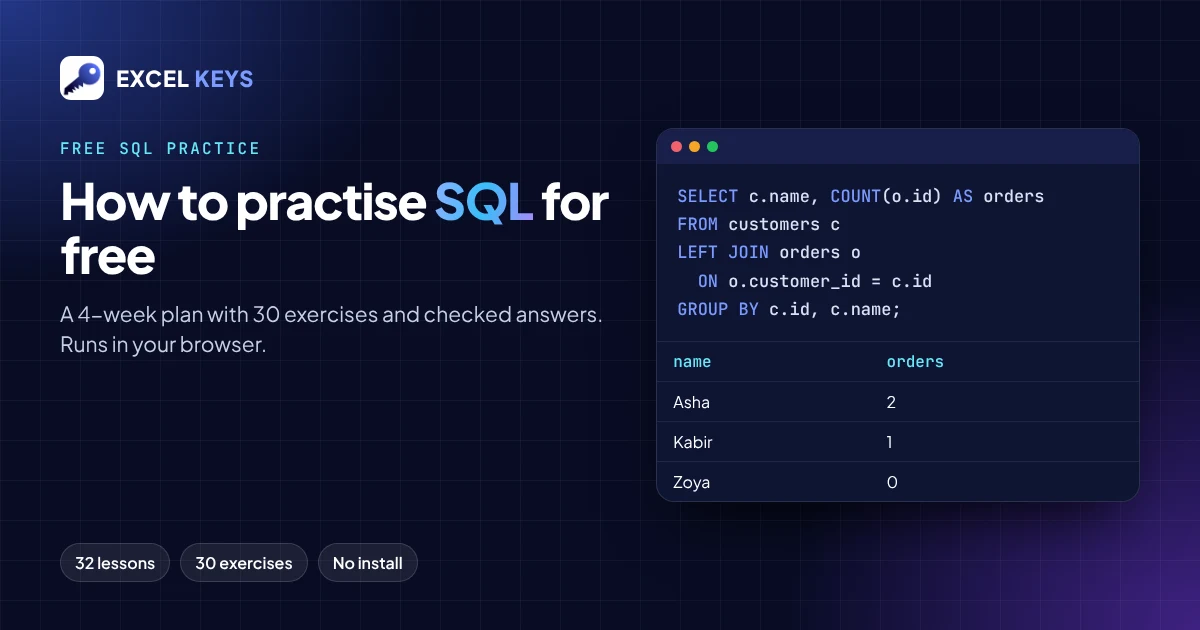
This is exercise 17, and it catches a lot of beginners. The question: list every customer and how many orders they placed, including customers who never ordered.
SELECT c.name, COUNT(o.id) AS orders
FROM customers c
LEFT JOIN orders o ON o.customer_id = c.id
GROUP BY c.id, c.name
ORDER BY orders DESC, c.name;
Result, run in SQLite on the sample database:
| name | orders |
|---|---|
| Asha | 2 |
| Neha | 2 |
| Ravi | 2 |
| Kabir | 1 |
| Meera | 1 |
| Zoya | 0 |
Two details make this query correct:
- LEFT JOIN keeps Zoya. She has no orders. An INNER JOIN would drop her, and the list would show five customers instead of six.
- COUNT(o.id), not COUNT(*). For Zoya the joined order columns are NULL.
COUNT(o.id)skips NULLs and returns 0.COUNT(*)counts the row itself and would wrongly return 1.
This is the same logic as a customer-wise or branch-wise MIS summary. The rows with zero activity are often the most important ones to show.
Five mistakes to watch for while you practise
- Filtering groups with WHERE. WHERE filters rows before grouping. To filter on a total such as
COUNT(*) > 1, use HAVING. - Forgetting a column in GROUP BY. SQLite allows it and returns a value from an arbitrary row, which can quietly give you wrong labels. List every non-aggregated column in GROUP BY.
- Comparing with NULL using =.
WHERE manager_id = NULLnever matches. UseIS NULL. - Joining without checking the row count. After every join, check whether you have more or fewer rows than you expected. Duplicates usually mean the join key was wrong.
- Text in double quotes. In standard SQL, text values go in single quotes:
WHERE city = 'Delhi'.
How to know you are improving
- You can write exercises 1 to 10 without opening the hint.
- You can explain why a query returned a row, not just that it did.
- You can solve an intermediate exercise two different ways, for example with a JOIN and with a subquery, and get the same result.
- You pass the final test at the end of the course. You can then download an Excel Keys completion certificate. It is a self-paced completion certificate, not an accredited qualification.
How these lessons were made and checked
We want you to know exactly what you are using:
- The LearnLab lessons and exercises were developed with AI assistance.
- Every reference answer was run in SQLite, the same engine the browser playground uses, and the result tables on the practice page come from those runs.
- No independent expert review is claimed.
- For the full rules of the language, use the official SQLite documentation.
- If you find a mistake, email info@excelkeys.in with the exercise number.
Read more on the About LearnLab page.
Frequently asked questions
Can I learn SQL for free?
Yes. The Excel Keys LearnLab SQL course has 32 free lessons, 30 practice exercises with answers and a final test, with no login. You only need a browser.
How long does it take to learn SQL basics?
If you follow the plan above for 30 to 45 minutes a day, you will have practised SELECT, filtering, grouping and joins by the end of week two. Window functions and changing data take two more weeks. Your own pace may be faster or slower, and that is fine.
Do I need to install MySQL to practise SQL?
No. You can practise in a browser-based SQLite playground. The core SELECT, WHERE, GROUP BY and JOIN syntax is the same in MySQL, PostgreSQL and SQL Server. Date functions and some data-type rules differ between databases.
Is SQL useful if I work in Excel?
Yes. GROUP BY does what a PivotTable does, JOIN does what XLOOKUP does across tables, and WHERE works like a filter. SQL lets you do the same work on much larger data, and you can repeat it with one query.
Is my data uploaded when I use the playground?
No. The playground runs on your device. Your queries and any changes to the sample tables stay in your browser and reset when you reload.
Start practising now
Open the 30 SQL practice exercises, or start the free SQL course from lesson 1. Want Python next? Try the 30 Python practice questions.
If your team needs SQL or Excel data turned into a dashboard, see the dashboards we have built.