Is everything really free?
Yes. All 64 lessons, the Python and SQL practice editors, quizzes and guided projects are free. There are no subscriptions or paid lesson unlocks. Free learning does not mean the website will always be advertising-free; clearly labelled ads may be added later.
Do I need to create an account?
No. Your completed lessons, learning language and goal are remembered in this browser using local storage. No login, email address or tracking cookie is needed.
Will my progress stay forever?
Progress remains in the same browser while its stored data is kept. Clearing site data, using private browsing or moving to another device can remove it. Export a small progress backup from My progress to keep a copy.
What happens to my practice code?
Practice code stays only in memory for your current page session. Reloading, leaving the learning page or 15 minutes of inactivity clears it. SQL playground changes are temporary too. Only compact learning milestones are stored.
Can I skip ahead?
Each course follows a clear sequence. Try the current practice challenge and knowledge check, or choose Check answer to learn from a worked solution, then unlock the next lesson. You can revisit completed lessons or restart either course at any time.
Will this work on my phone?
Yes. The learning space adapts to desktop, tablet and mobile, with bottom navigation on small screens. You can add it to your Android or iPhone home screen. Python execution needs internet; visited course pages can work offline, and SQL can run offline after its first successful online run.
Which SQL will I learn?
Practice uses SQLite in your browser. Core topics such as SELECT, JOIN, grouping and subqueries transfer to many SQL databases. Date functions, schema rules and some advanced syntax differ in MySQL, PostgreSQL and SQL Server.
Can I learn in Hindi or Hinglish?
Yes. Lesson explanations and practice instructions are available in English, Hindi and Hinglish. Code keywords stay in their original language. Some project instructions and technical terminology are in English.
Will I receive a certificate?
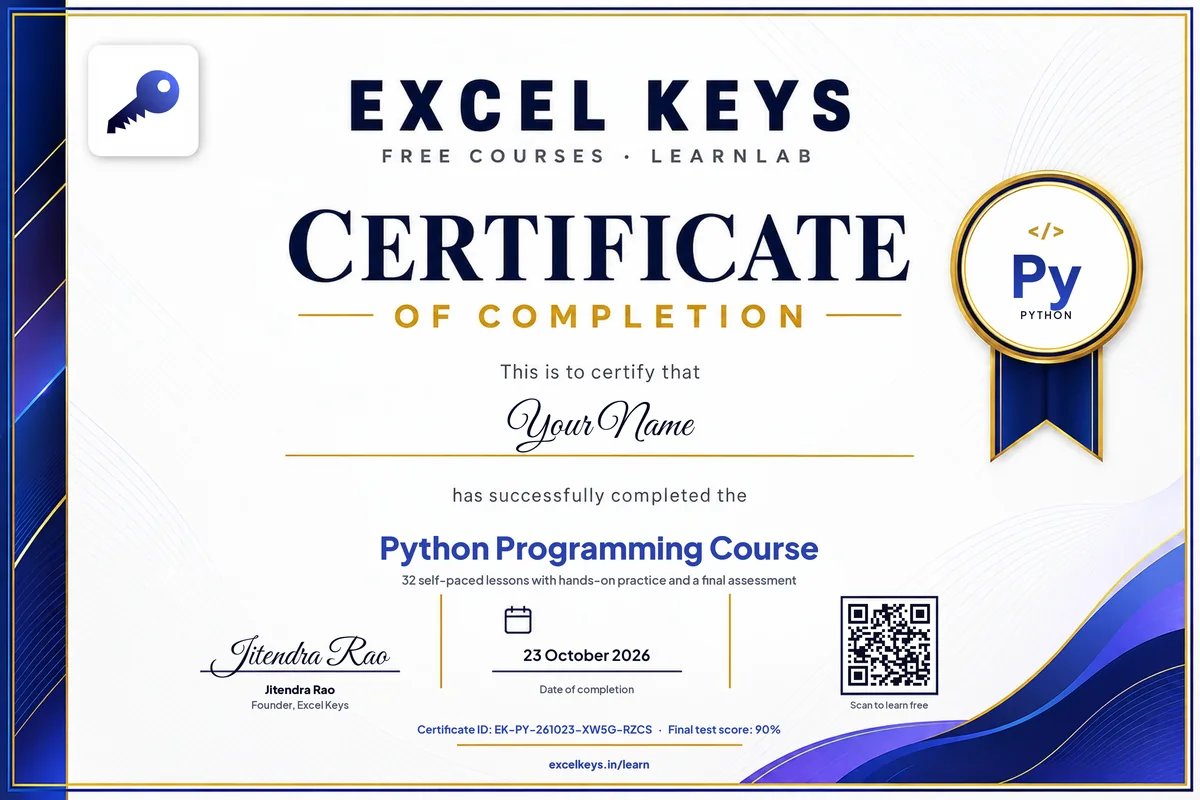
Yes. Finish all 32 lessons in a course, then pass a short final test (20 questions, 70% to pass, unlimited retries). You then add your name and download an Excel Keys certificate as a PDF or image, with a certificate ID and your test score. You can add it to LinkedIn in one click. It recognises self-paced completion; it is not an accredited qualification. Following our social channels is optional.